Second phone number app

Your Second Phone Number. Your World, Connected.

Get a second phone number, make and receive calls, send and receive SMS, and manage your credits through one simple mobile application.
CAGBAU
Dashboard screen of the Numbox app
☎Your numberNumber info
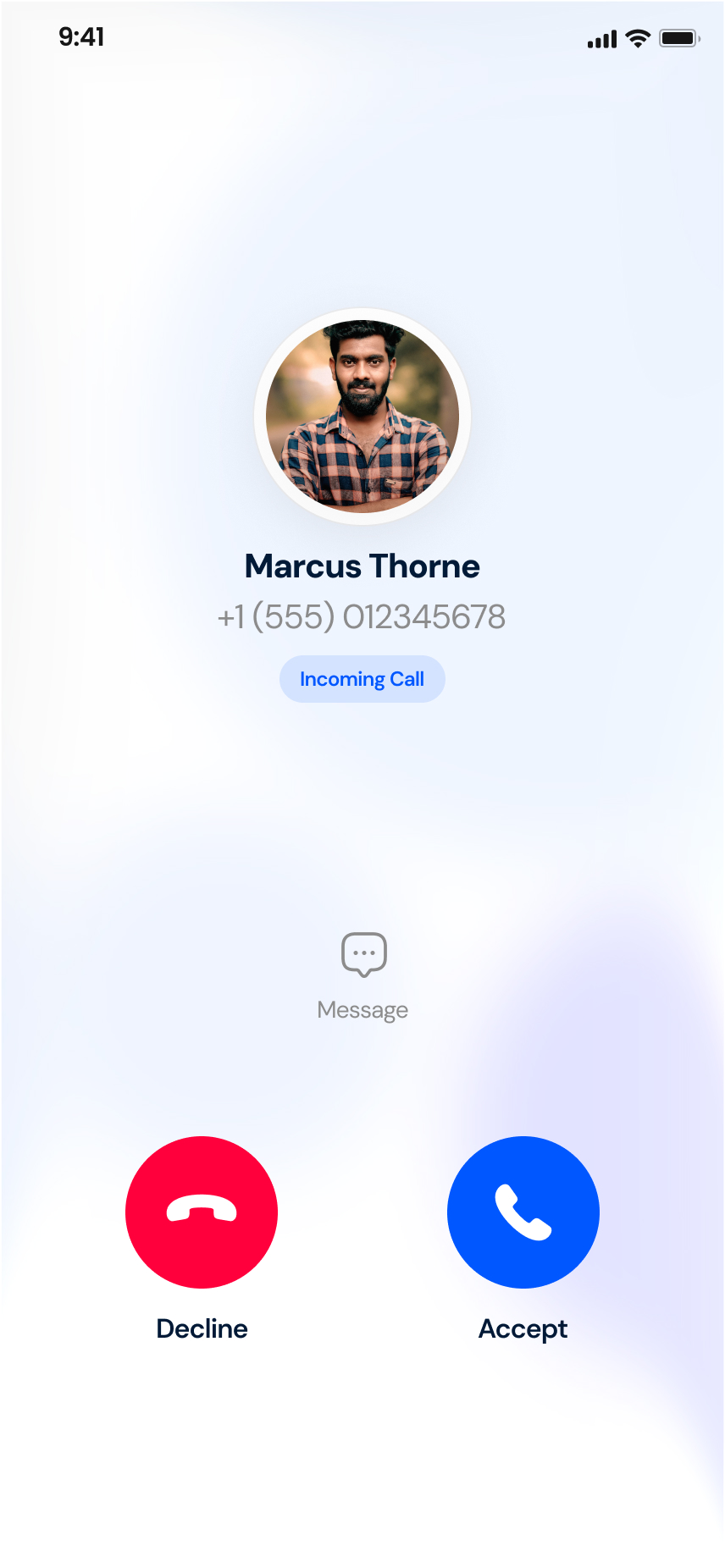
βœ†Incoming callCalling
βœ‰New SMSMessaging
οΌ‹Credit balanceTop-up
Why Numbox

One App. A Simpler Way to Stay Connected.

Everything around your second number lives in one place.

☎

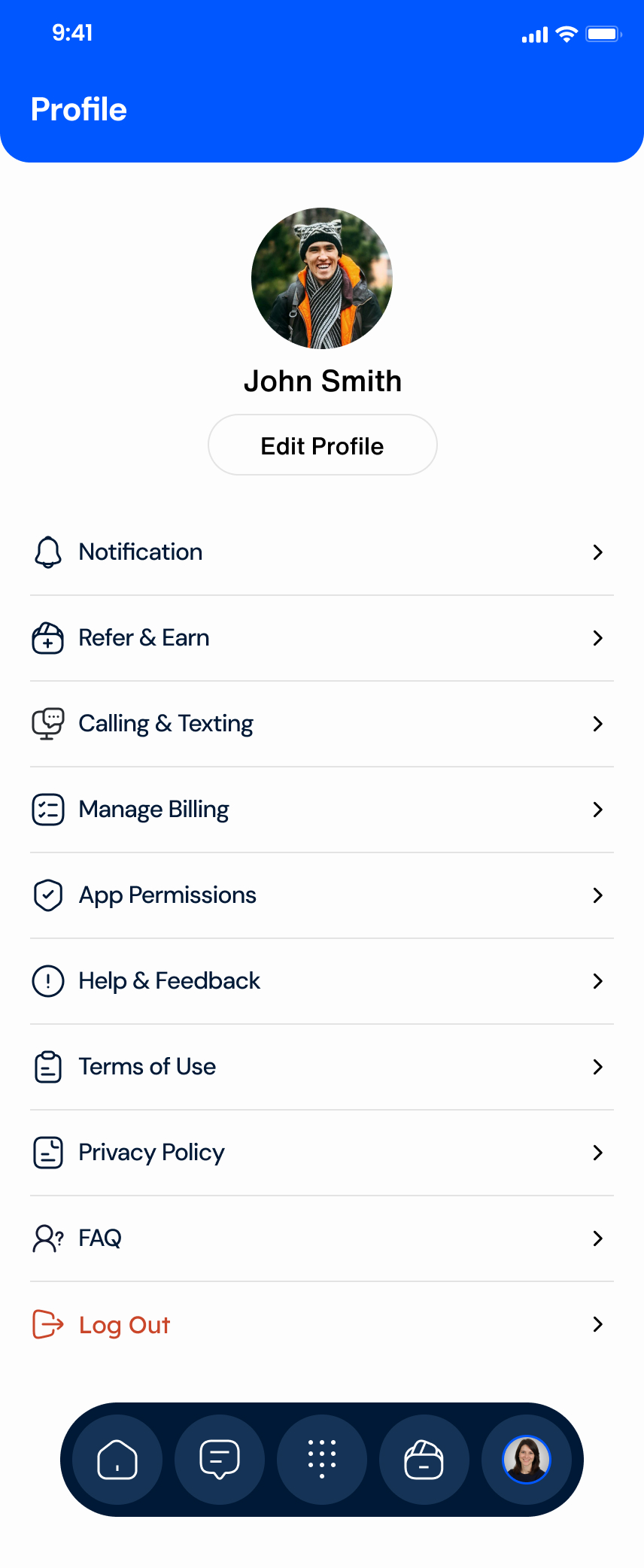
Manage a second phone number

βœ†

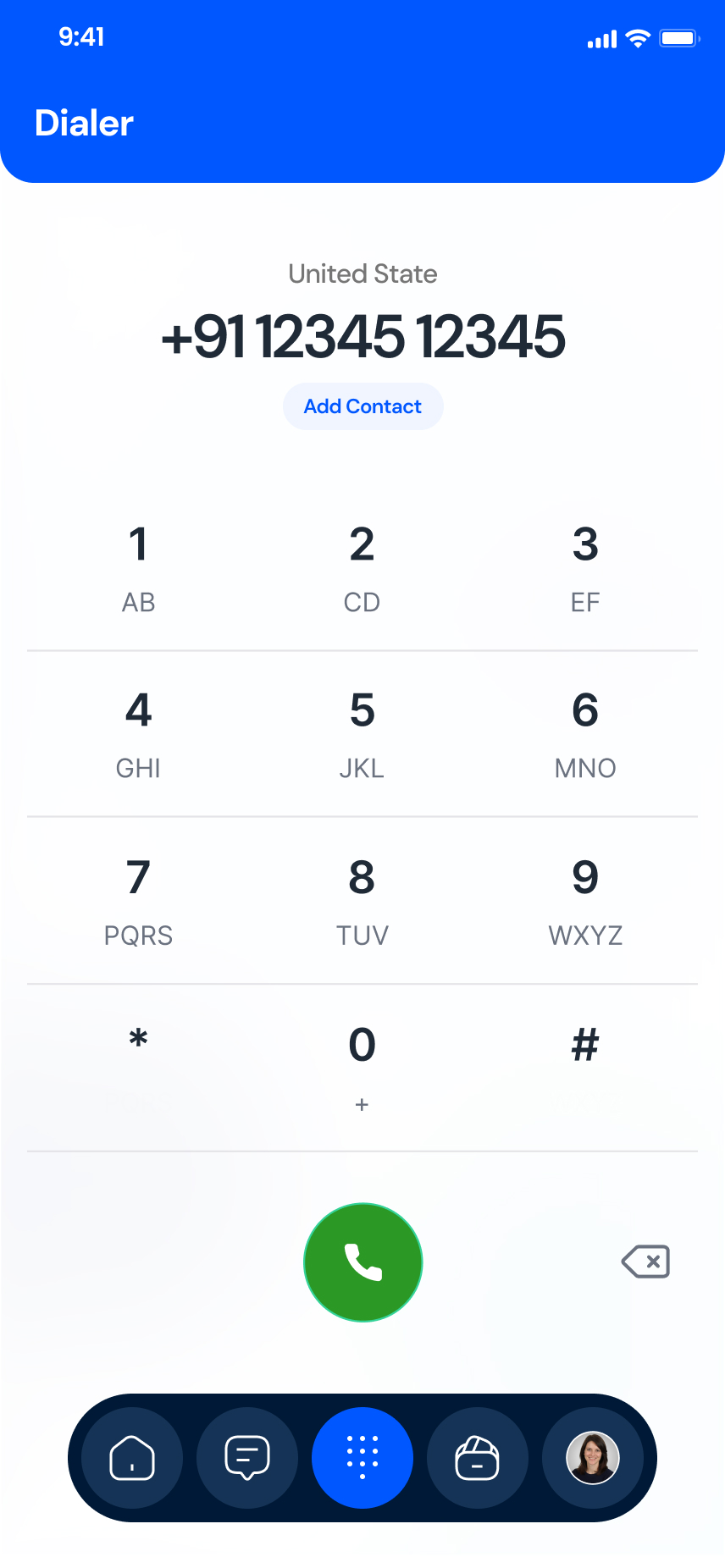
Access calling and SMS

οΌ‹

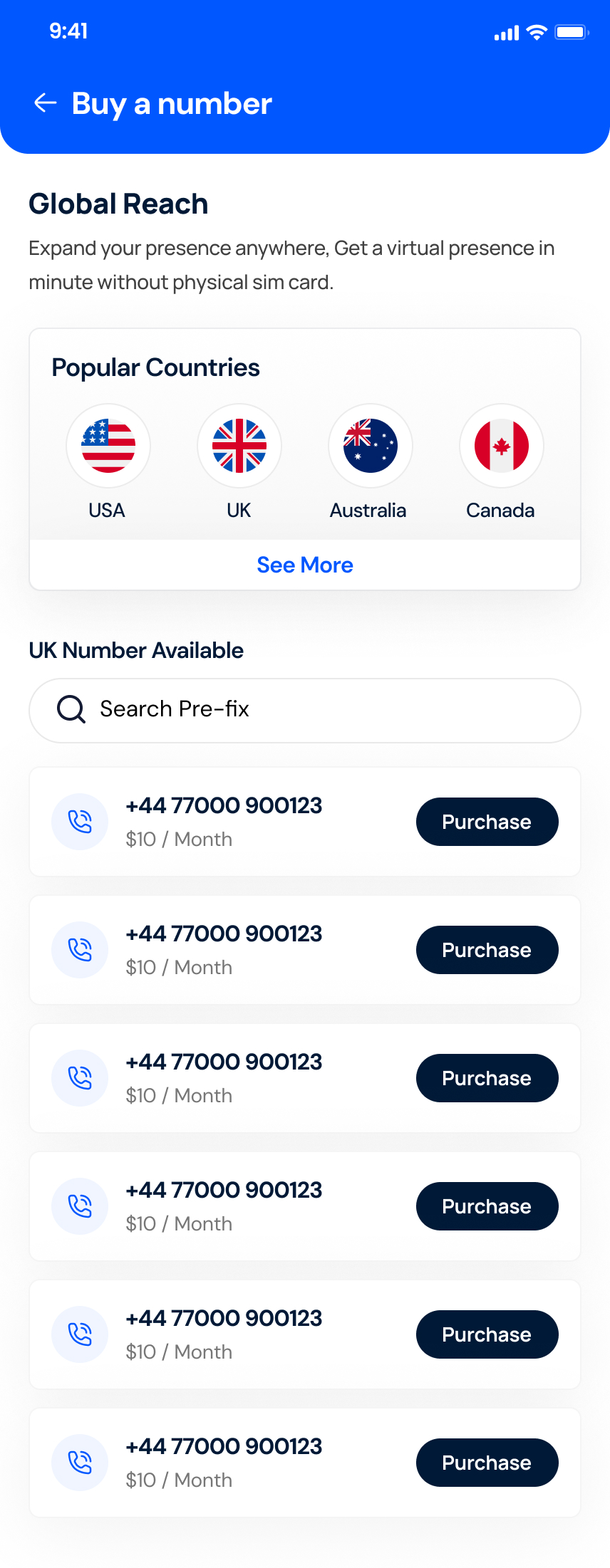
Purchase available numbers

βœ‰

Add and manage credits

The app

Your Second Number, Right at Your Fingertips.

Real screens from the Numbox app.

01 / 08

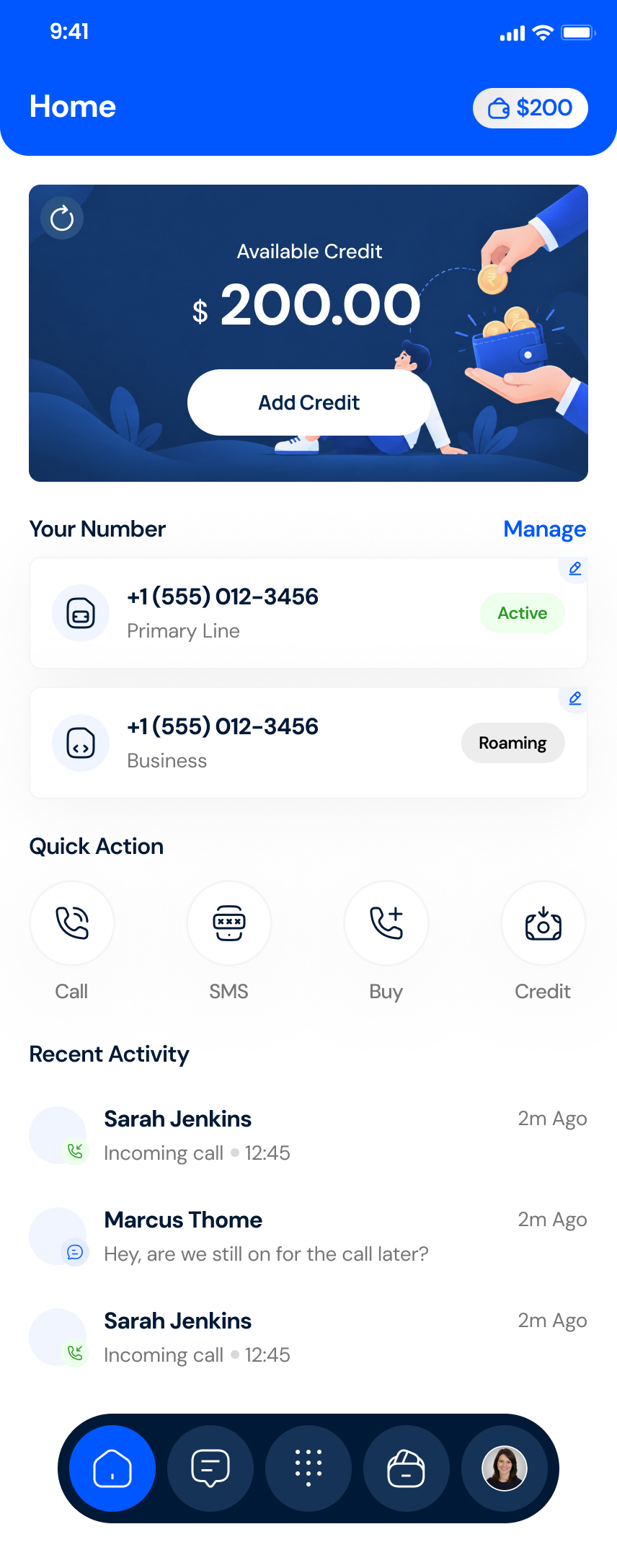
Your numbers and credit at a glance

See your available credit, your numbers and recent calls and messages on one home screen.

  • Credit balance with quick Add Credit
  • Primary and business lines
  • Recent activity feed
Your numbers and credit at a glance β€” Numbox app screen
Features

Everything You Need to Manage Your Second Number.

Virtual phone numbers

Browse and choose from available numbers in supported markets.

Learn more β†’

Voice calling

Make and receive calls through the app, where supported.

Learn more β†’

SMS messaging

Read and send text messages from one inbox, where supported.

Learn more β†’

How it works

Get Started in a Few Simple Steps.

Number availability and service functionality depend on the country and the number you select.

01

Download Numbox

Get the app from your device’s store.

02

Create an account

Sign up inside the app.

03

Choose an available number

Pick from numbers offered for your country.

04

Add credits and start

Top up and use supported services.

Countries

Available Across Selected International Markets.

Canada

A Canadian second number for the app.

Details β†’

United Kingdom

A UK second number for the app.

Details β†’

Australia

An Australian second number for the app.

Details β†’

Benefits

Designed Around Your Everyday Communication.

Three things Numbox makes simple, shown with real app screens.

01 Β· Numbers

Simple number management

Keep your lines organised and choose which number to use, all from the home screen.
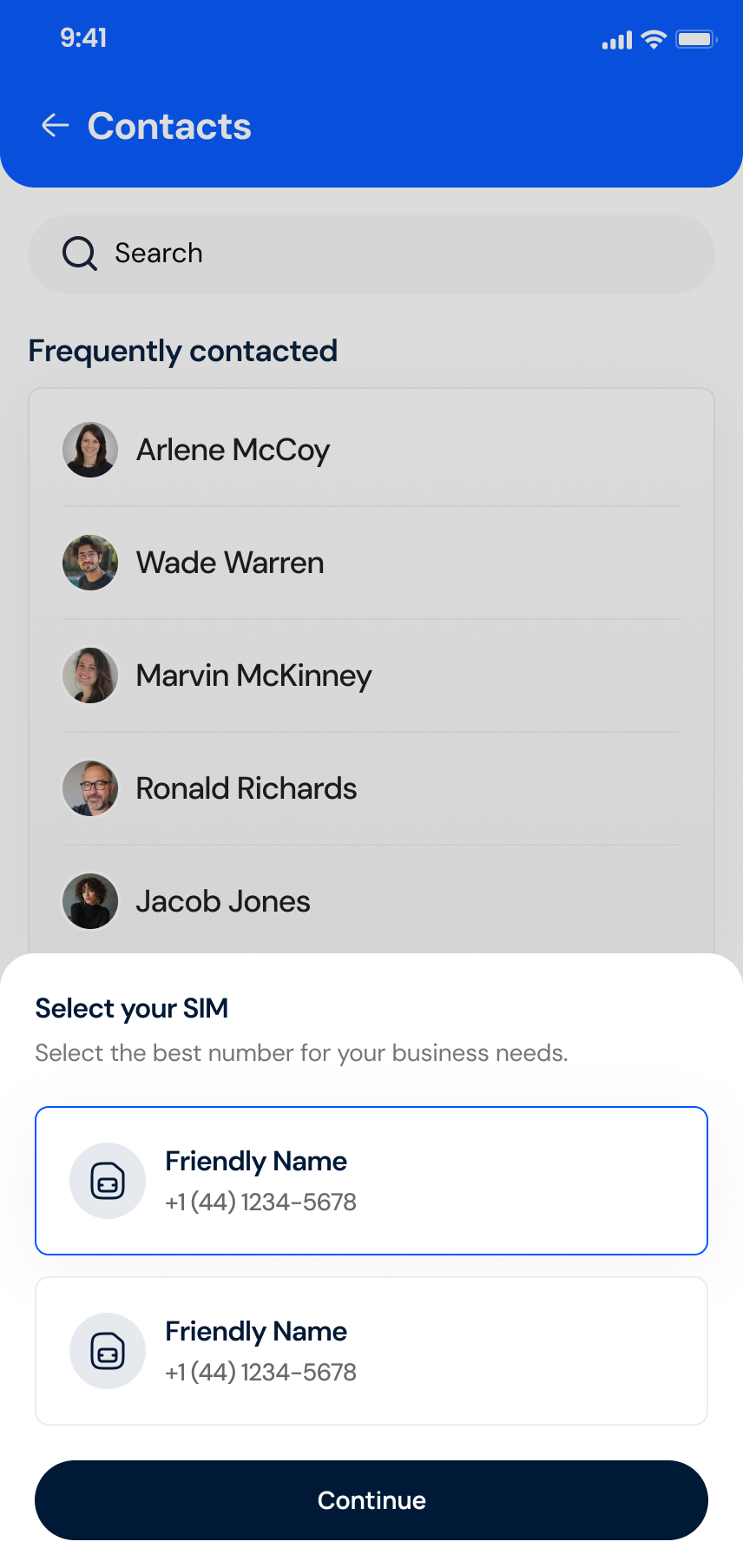
  • Every line in one placeSee your primary and business lines with their status at a glance.
  • Make each SIM yoursGive a number a friendly name and a logo so you always pick the right one.
  • Pick the number to useChoose which SIM to use before you call or message.
See all features
Select your SIM screen of the Numbox app
Home screen of the Numbox app
HomeSelect your SIM
02 Β· Messaging

Messaging in one place

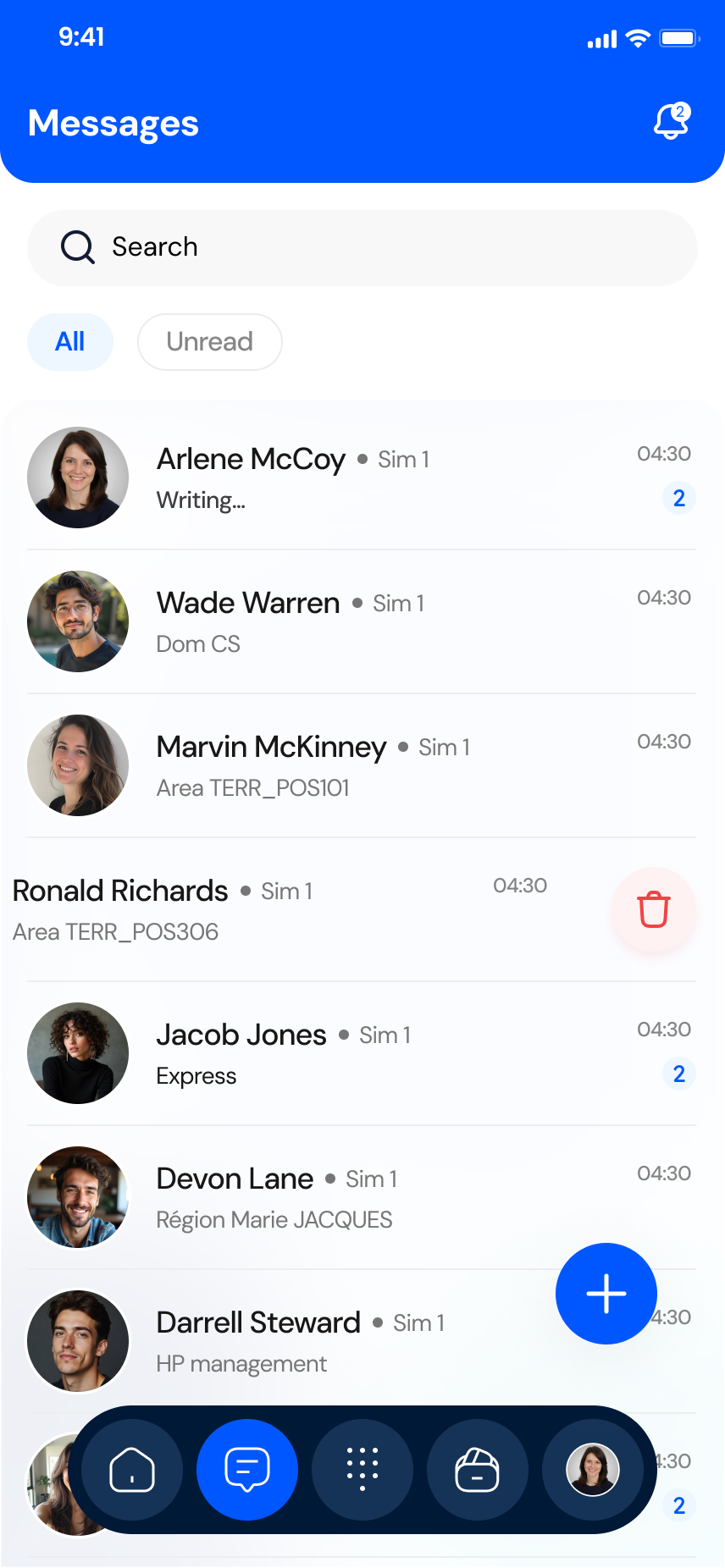
Read, search and reply to your SMS from a single inbox without switching apps.
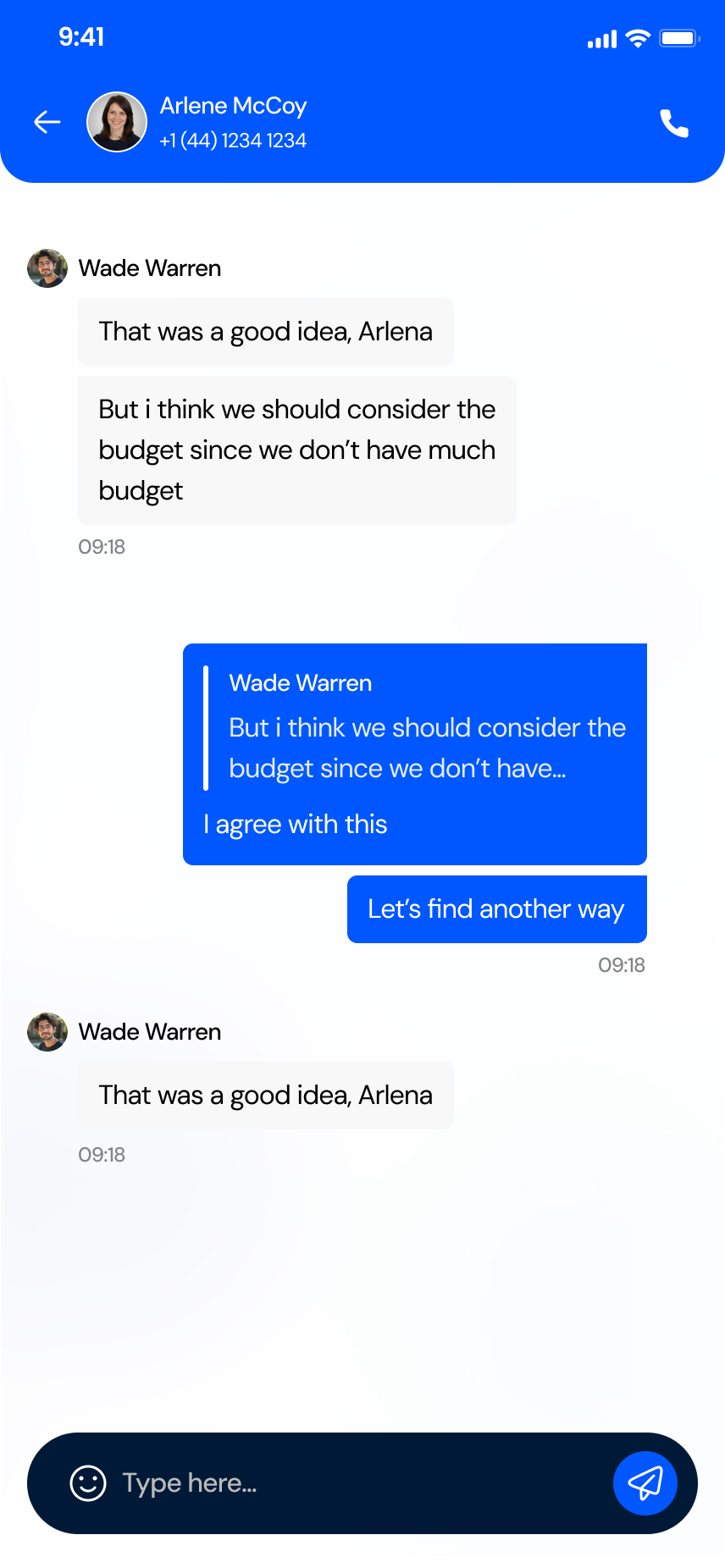
  • Search and filterFind a thread fast and switch between All and Unread.
  • See the SIM on every threadEach conversation shows which number it belongs to.
  • Reply to a specific messageQuote a message in the chat, or call the contact from the header.
See all features
Conversation screen of the Numbox app
Messages screen of the Numbox app
MessagesConversation
03 Β· Credits

Transparent credit visibility

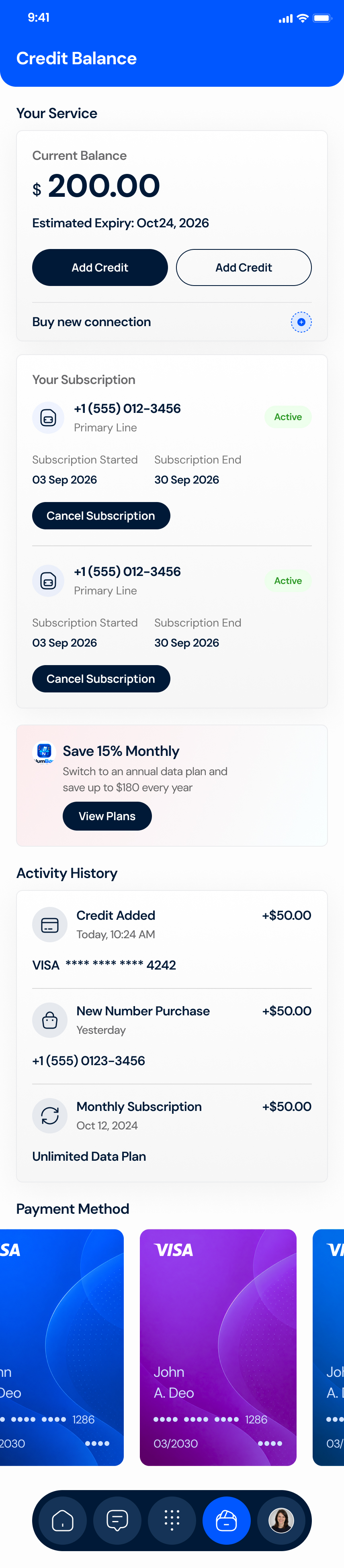
Know your balance, see where credit went and review the total before you pay.
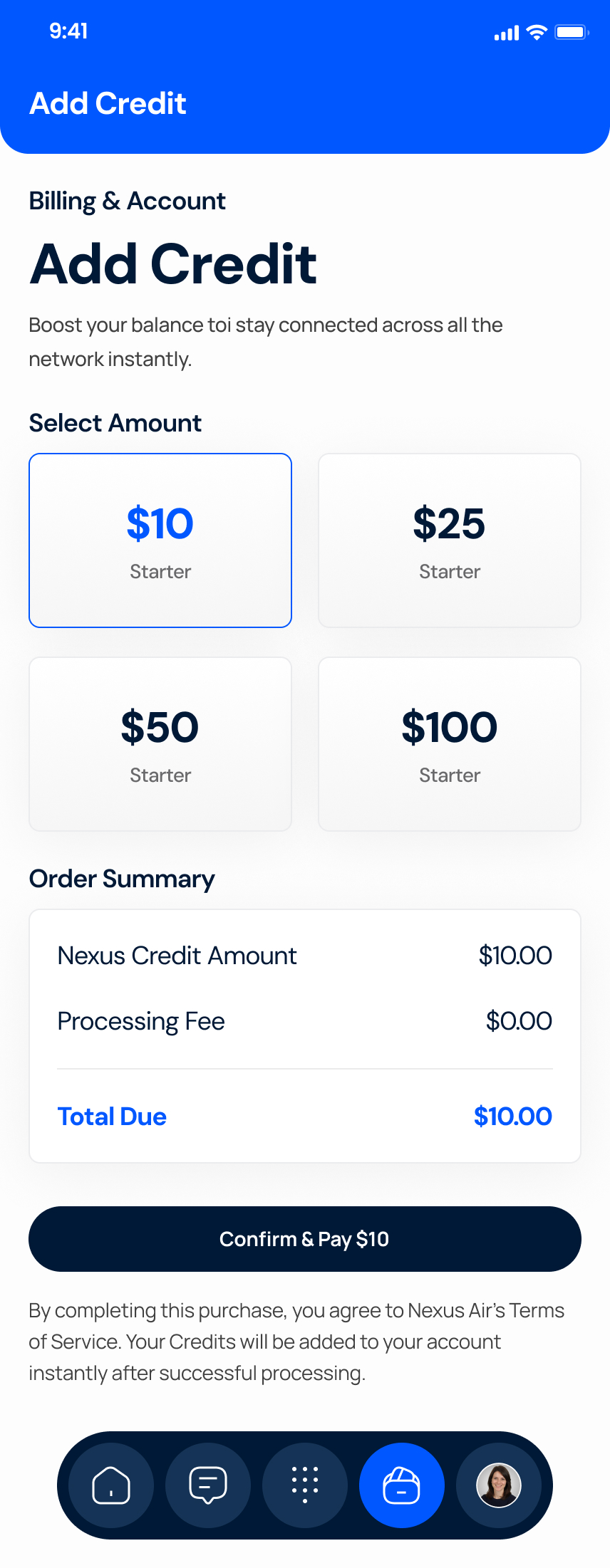
  • Balance and expiryYour current balance and estimated expiry sit at the top of the screen.
  • Activity historyCredit added, number purchases and subscriptions are listed together.
  • Order summary firstPick an amount and review the total before you confirm and pay.
See all features
Add credit screen of the Numbox app
Credit balance screen of the Numbox app
Credit balanceAdd credit

Ready to Get Your Second Number?

Explore Numbox and discover a simpler way to manage your second phone number.

Store links are placeholders until listings are provided.

FAQ

Questions, Answered.

What is Numbox?

Numbox is a mobile app that gives you a second phone number for calls and SMS, plus tools to manage credits.

What is a second phone number?

A second number you can use alongside your main SIM, kept separate from your personal number.

How does the application work?

Download the app, create an account, choose an available number, then add credits to use supported services.

How can I purchase a number?

Choose from available numbers in the app. Purchase steps are shown in-app.

Which countries are supported?

United States, Canada, United Kingdom, Australia and Singapore.

Are all numbers available at all times?

No. Availability depends on country and inventory.

Can I manage more than one number?

Confirm with product owner: multiple numbers per account.

See all questions β†’

Keep Your Main Number Private. Get a Second One.

Download Numbox and choose a number in a supported market.